

The "Black Box" of Business Operations
In modern enterprises, critical data and business processes are hidden behind complex IT infrastructure. For business leaders, this creates massive blind spots.
Missed SLAs and Late Reports
You only find out a critical daily report failed after the executive meeting has started. No alerting, no recovery, no visibility until it's too late.
Wasted Engineering Resources
Highly-paid engineering teams spend up to 30% of their time fixing broken processes and maintaining legacy schedules instead of driving innovation.
Siloed Operations
Different departments use disparate tools, making it impossible to see how a failure in one area cascades across the organization and impacts the bottom line.
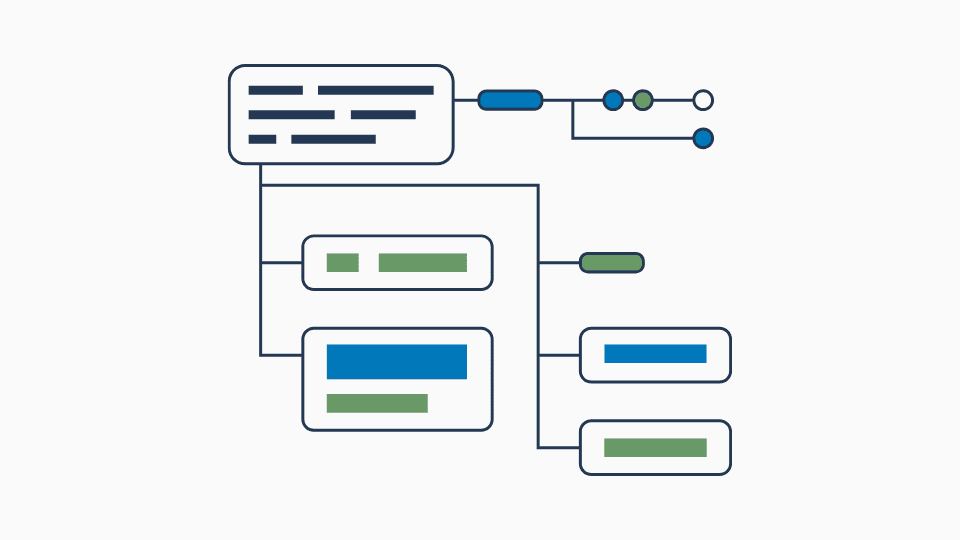
Step 1
Create or Select a Workflow
Choose from prebuilt workflows or design your own to suit your operational needs.
Integrate with Excel spreadsheets, PDFs, ERP systems, and other third-party sources out of the box.
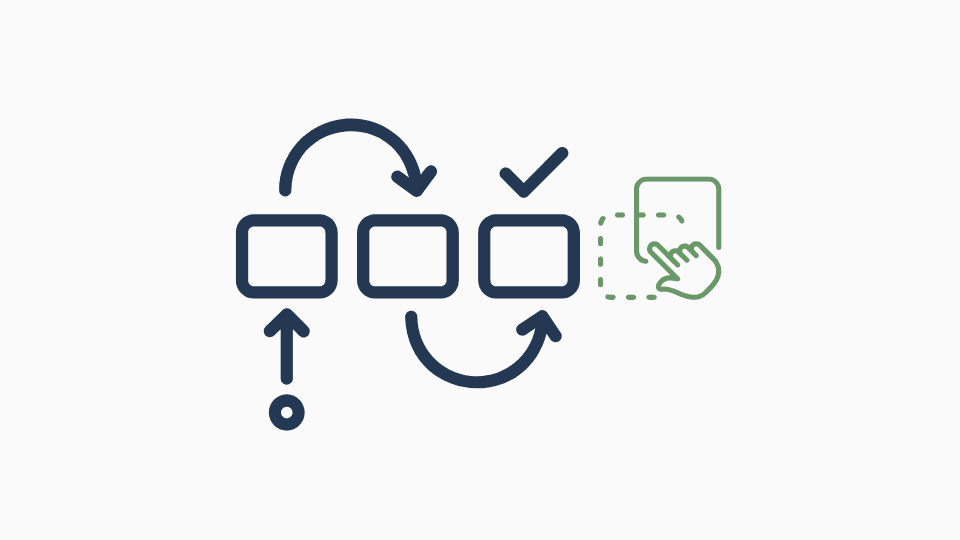
Step 2
Drag and Connect Tiles
Seamlessly integrate tiles to build powerful workflows tailored to your requirements.
Create new custom tiles to fit your use case.
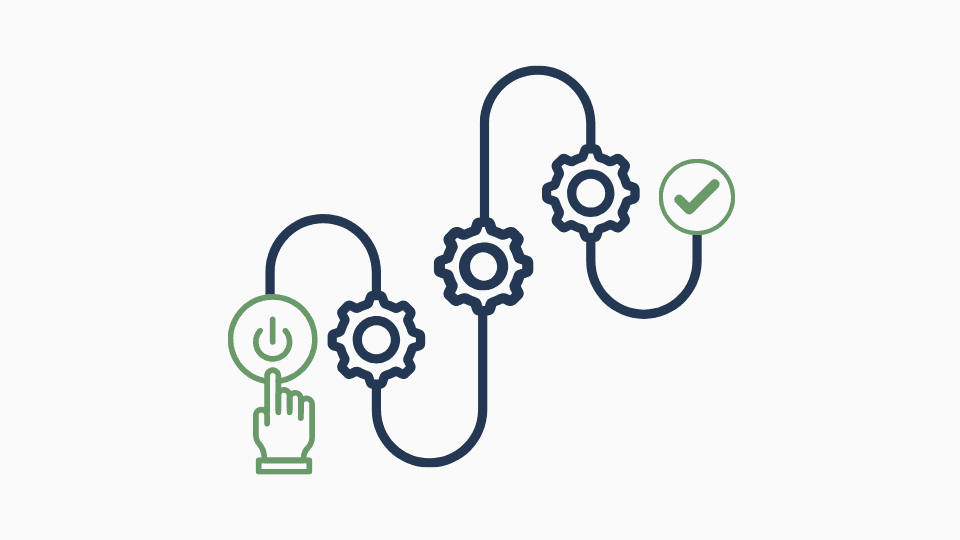
Step 3
Leverage Your Workflow Output
Use the workflow output however you need — dashboards, reports, or downstream systems.
Embed it in your app, visualize it in BI tools, or integrate via APIs for downstream processing.
Turn Operational Chaos into Competitive Advantage
Visual Command Center
Translate complex backend operations into clear, visual workflows. See the status of every critical operation without understanding the underlying code.
Real-Time Observability
Track the progress of data loads, financial reconciliations, and marketing syncs in real-time. Anticipate bottlenecks before they impact customers.
Proactive Risk Mitigation
Intelligent alerting and automated recovery. If a process fails, DataFlow resolves it and notifies stakeholders via Slack, Teams, or Email — ensuring SLA compliance.
Accelerated Time-to-Market
A unified scheduling and automation platform lets your teams launch new data products, reports, and business initiatives weeks faster.
The Orchestration Layer That Survives Disaster
When your primary region goes offline, DataFlow is the reason your workflows keep running — automatically rerouting execution to the DR environment without manual intervention.
Before Failover
Scheduled and Running
DataFlow orchestrates all workflows against your primary GCC region. Schedules, dependencies, and SLA monitors run from a single control plane.
During Failover
Automatic Rerouting
DataFlow detects the outage and triggers DataBridge to reroute queries to the DR region. All pending and scheduled workflows automatically execute against the backup environment.
After Failover
Validated and Compliant
DataQualityHQ validates every workflow output against pre-failover baselines. DataFlow marks all SLAs as met and generates the compliance audit trail automatically.
Connects Your Entire Business Ecosystem
DataFlow acts as the central brain orchestrating your existing technology investments, coordinating actions across every layer of your stack.
Cloud Infrastructure

AWS

Google Cloud

Microsoft Azure
Data Warehouses and BI

Snowflake

BigQuery

Redshift
Business Systems

Power BI


ERPs

Tableau
Ready to automate your enterprise?
Stop letting unpredictable operations slow your growth. Join leading organizations that trust DataFlow to orchestrate their most critical business workflows.